Now in early access

Turn RAW negatives into finished photographs.

A desktop darkroom that inverts, color-corrects, and grades your scans with a spectral engine tuned to real film.

Early access invites go out in waves. No spam, unsubscribe anytime.

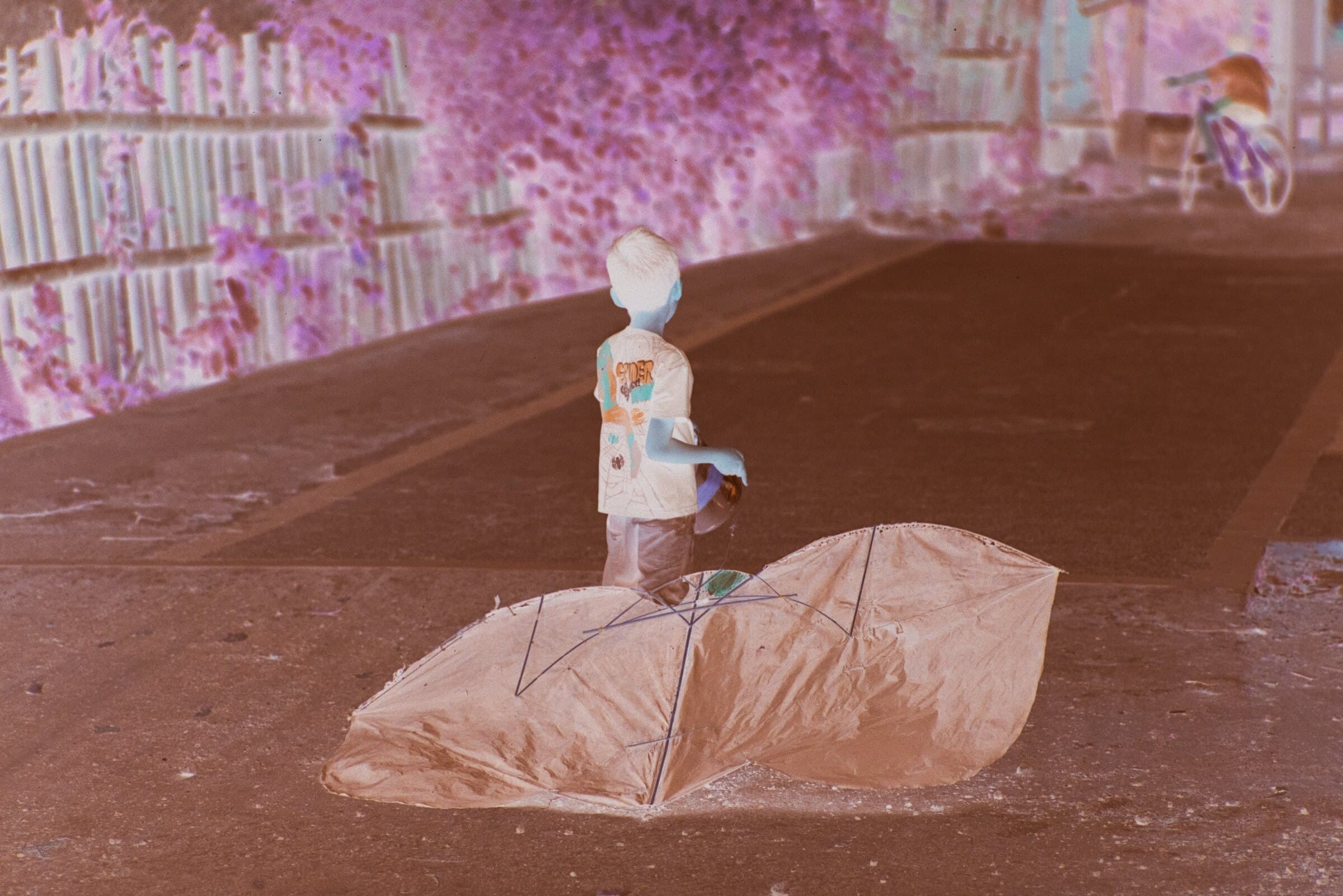
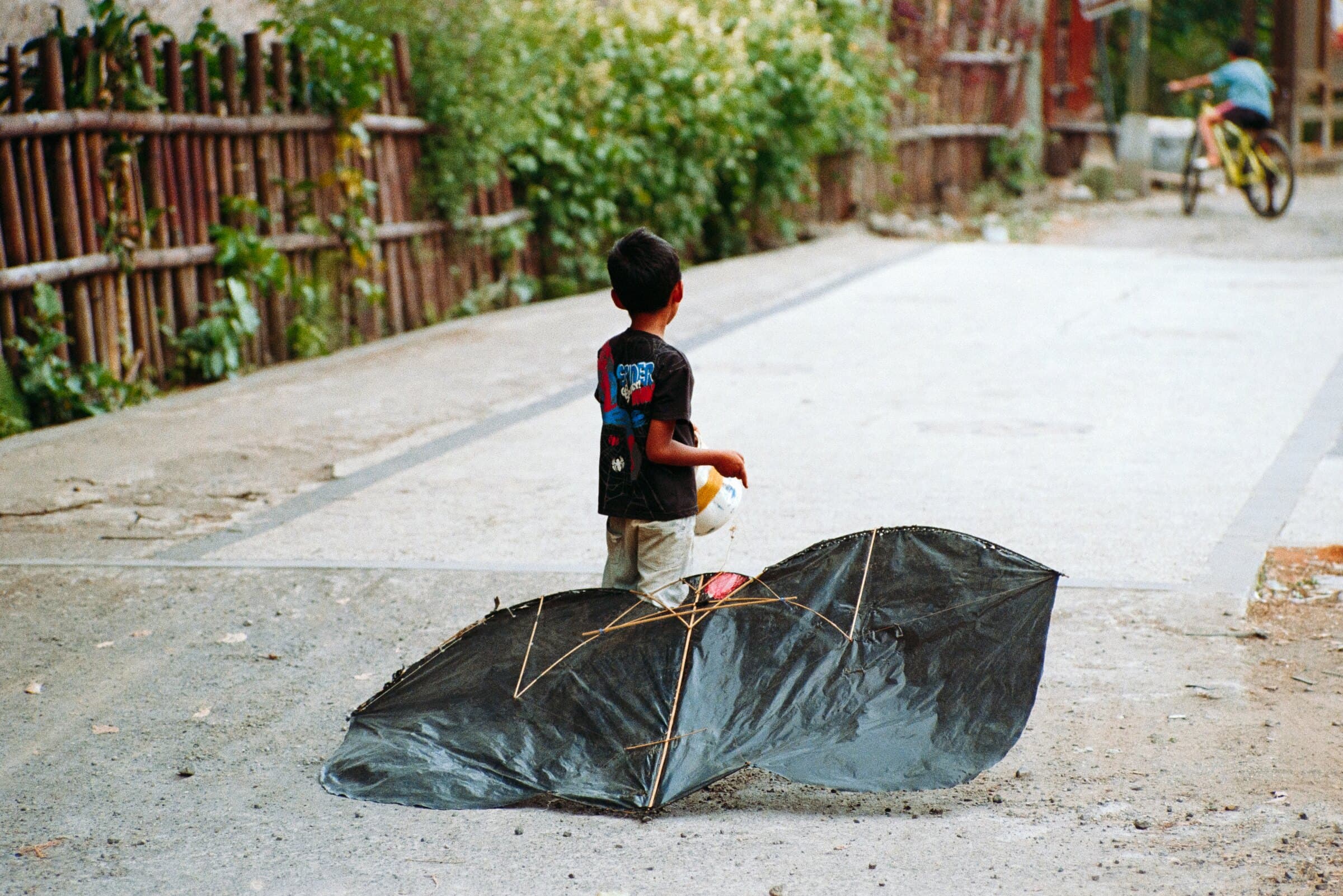
Scanned color negative before conversionNegative
Finished positive after conversion in PositiverPositive

Drag to compare. Sample shown for illustration.

Reads camera RAW directly. No TIFF round-trip, no lab scans required.

  • ARW
  • CR3
  • CR2
  • NEF
  • DNG
  • RAF
  • RW2
  • ORF
  • PEF
  • IIQ

From a folder of orange negatives to a finished roll.

One window, four stages. The workflow follows how you actually shoot, scan, and deliver.

01

Library

Group scans into virtual rolls, then rate and cull. Your RAW files stay where they are.

02

Convert

Pick a film stock and the spectral engine inverts the negative and balances color, frame by frame.

03

Edit

Refine with a white-balance dropper, crop, detail sharpening, and minilab-style looks.

04

Export

Batch out to JPEG or TIFF at full resolution, ready for print or the web.

A real conversion engine, not a filter pack.

Spectral color, matched to the film

An advanced neutral-correction algorithm profiles the film's spectral dye response and rebuilds density channel by channel. It strips the orange mask, cancels color casts automatically, and lands skin tones, skies, and shadows exactly where the emulsion recorded them.
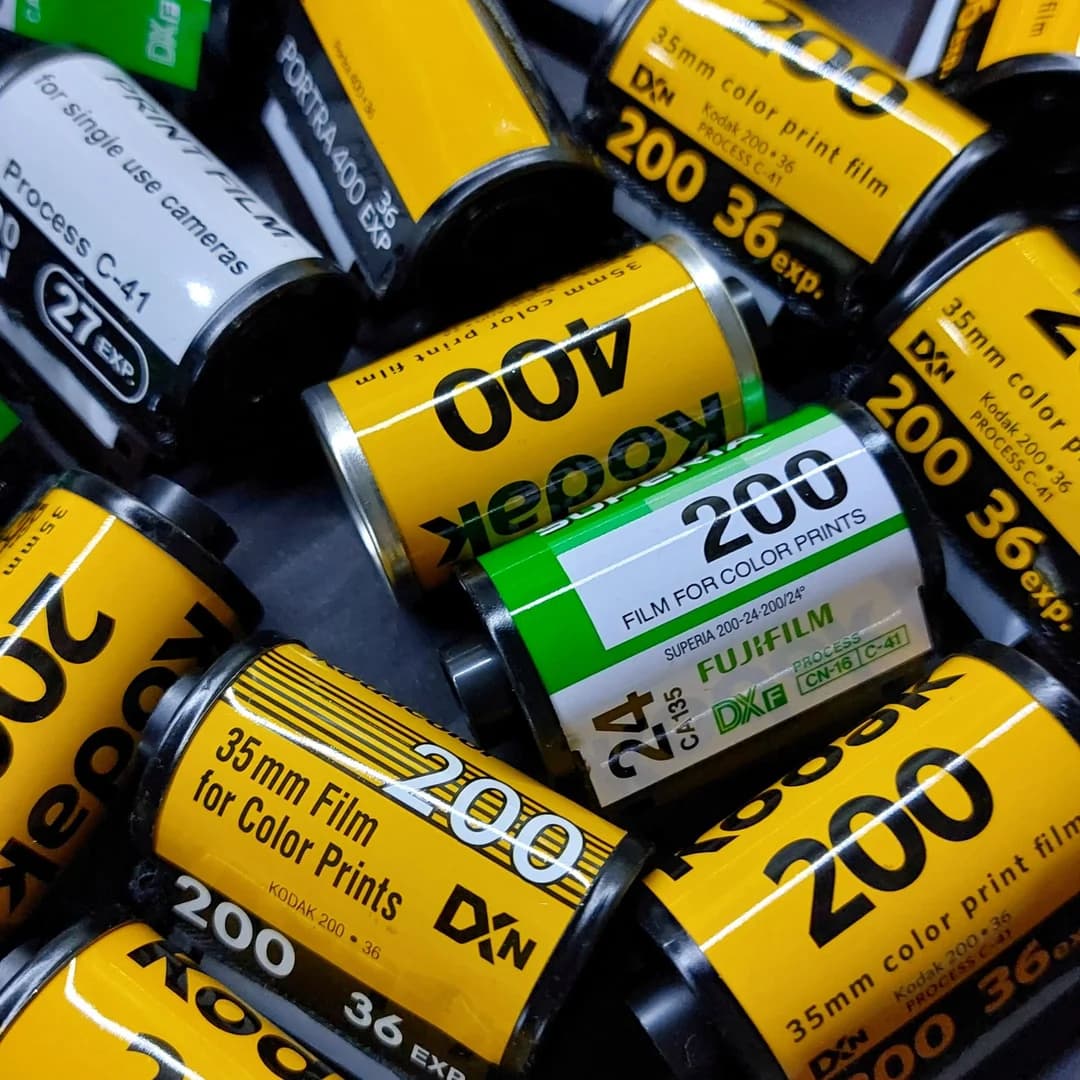
Custom film stock profiles

Calibrated recipes tuned to how each stock renders color, contrast, and grain, so every roll develops with a look that fits the film you actually shot.

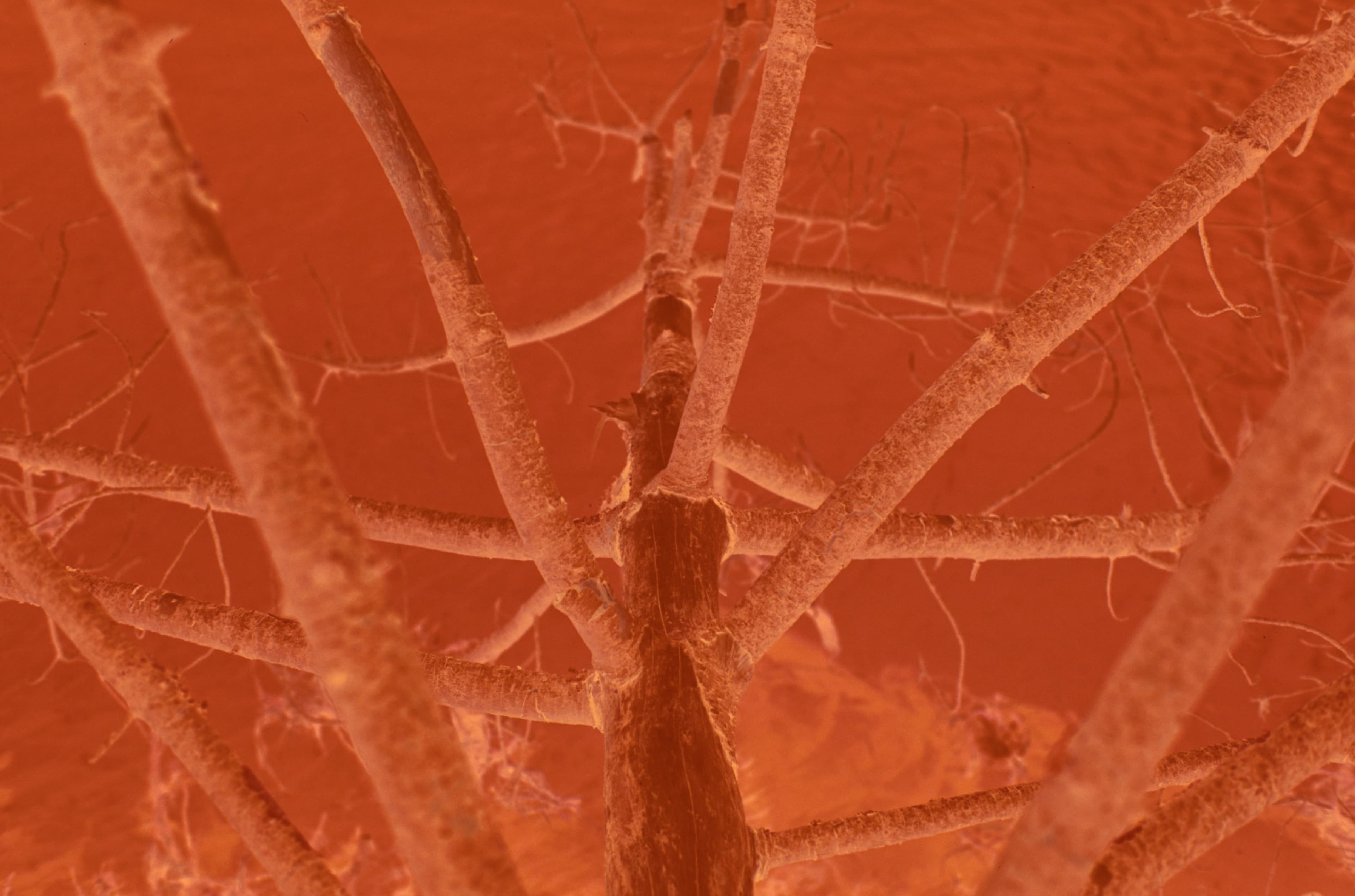
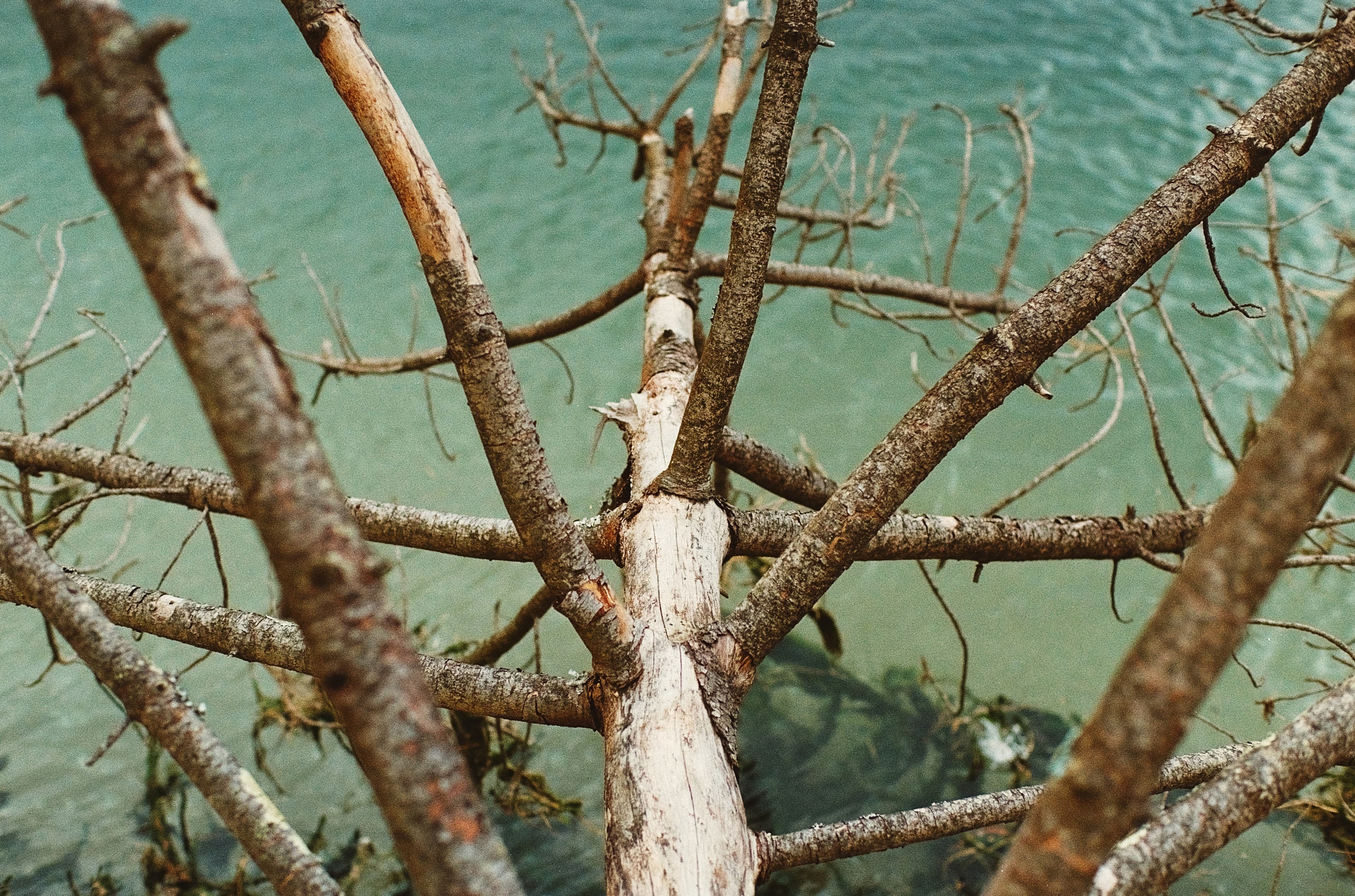
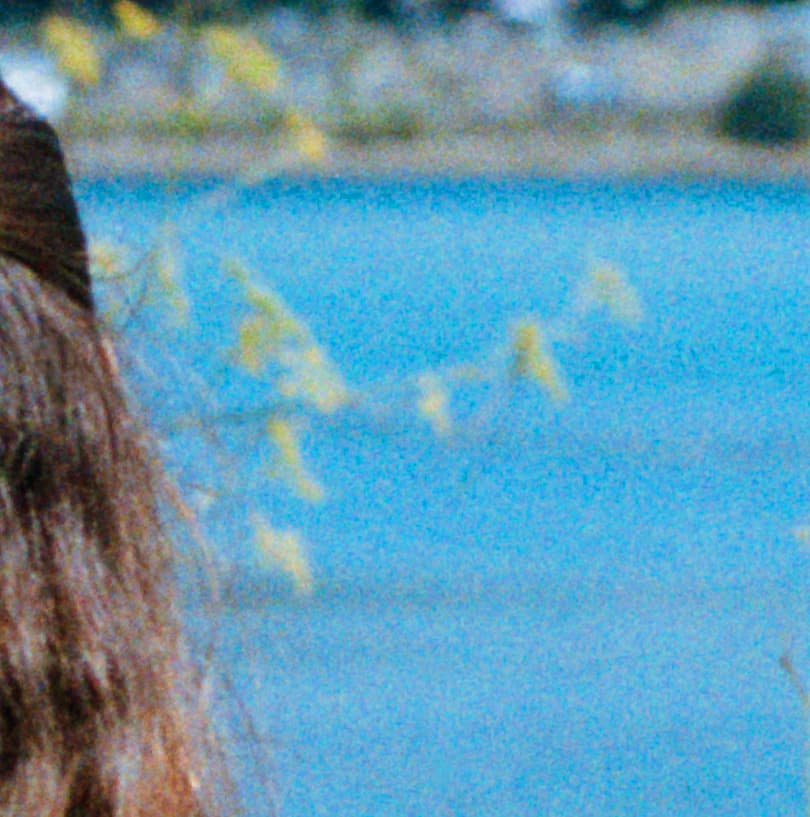
An overprocessed conversion left with heavy chroma noiseOverprocessed
The same frame in Positiver, clean with film-like grainPositiver

Real grain, not digital noise

Analog grain is the soul of a film photograph, so Positiver keeps it exactly as the emulsion laid it down. Nothing smeared away, nothing invented. An overprocessed conversion does the opposite: noise gets mishandled and the frame ends up buried under harsh digital speckle. Positiver protects the character instead of adding the mess.

Drag to compare. Sample shown for illustration.

White-balance dropper

Click a neutral and the whole frame corrects. Works even on the spectral conversion.

Minilab looks

One-click grades inspired by classic lab scanners.

  • Frontier
  • Noritsu
  • Natural
  • B&W

Detail-aware sharpening

Amount, radius, detail, and masking, tuned so grain stays grain and edges stay crisp.

Roll consistency and batch export

Lock color across a whole roll so frames match, then export the set in one pass at full resolution.

The orange mask, gone in one pass.

Same file, before and after. Drag the handle to see the inversion and color correction the engine applies automatically.

Scanned color negative before conversionThe competition
Finished positive after conversionOur engine

Why Positiver?

Positiver rethinks film conversion from the ground up, and gets three things right that matter most.

01

Calibrated to your rig

Profiles are built for a specific camera and scanning light, so the color is measured, not a one-size-fits-all auto-invert.

02

The whole workflow in one app

Cull, convert, edit, and export live in a single window. No plugins to wrangle, no exporting TIFFs back and forth.

03

Film color, honest grain

Faithful spectral color paired with a grain and noise pipeline that keeps texture looking like film, not mush.

Questions, answered.

What is Positiver?

A desktop app that converts scanned color and black-and-white film negatives into finished positive images, with color correction, editing, and batch export built in.

What platforms does it run on?

It's a native desktop app for Windows and macOS. Everything runs locally on your machine, so your scans never leave your computer.

What files can I convert?

Camera RAW files straight off the card (ARW, CR3, NEF, DNG, RAF, and more). Digitize your negatives with a camera and it reads them directly.

Do I need a specific camera or light?

The film profiles are calibrated for a camera-and-light setup for the most accurate color. A general auto mode works with any scan, and more profiles are on the way.

How much will it cost?

Pricing is still being finalized. Early-access members get first access and a say in how it's priced before launch.

When can I get it?

Invites roll out in waves during early access. Join the waitlist and we'll email you when your spot opens.

Get first access.

Join the waitlist and be among the first photographers to develop a roll without touching a single slider unless you want to.

Early access invites go out in waves. No spam, unsubscribe anytime.